How To Book
Booking your South Coast getaway is quick and easy
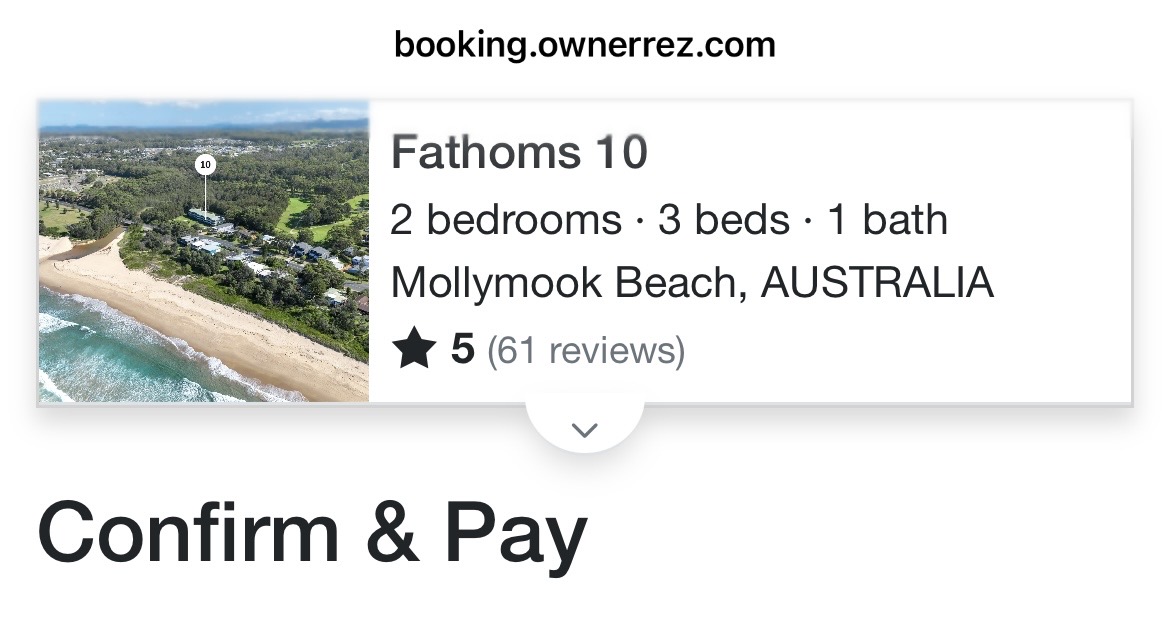 To complete the booking process you’ll need to:
- Be at least 25 years old
- Provide your personal contact information
- Upload a photo of your government issued photo ID (including date of birth & current address that matches credit card details) for legal and insurance compliance.
- Share the first & last names of all guests included in the booking (adults, children & infants)
- Read and agree to follow the House Rules
- Review and sign the Renter Agreement
- Authorise a $500 Security Deposit Hold (this is a temporary hold unless you’re using a debit card)
- Submit payment in full
Booking Confirmation
Once everything is completed, you’ll receive a confirmation email from me.
Security Deposit Holds Explained
A few helpful details so there are no surprises:
- The hold is processed securely through Stripe. Your bank temporarily sets aside $500 2 days before arrival. This is not a charge unless an issue is identified after checkout.
- While the hold is active, it will count against your available credit, even though no money is taken.
- The security deposit hold must be active for the guest to receive the lockbox code at check-in.
- For security, I can only see the last four digits of your card.
- Stripe can hold funds for up to 7 days at a time, so your bank may re-authorise the hold during your stay and again shortly after checkout.
- The hold is automatically released 7 days after checkout, provided there are no damages, excess cleaning required, or House Rule violations.
- Because nothing is charged, you won’t see a refund and once released, the pending amount simply disappears.
- The hold may not appear on printed statements, but you may see it in online banking as Stripe authorises, re-authorises, or releases it.
If you have any questions at all about the booking process, please contact us.